
CompTIA A+: Your Next Step in IT
Get the hands-on skills employers are hiring for right now — in roles like IT Support Specialist and Datacenter Technician. No prior IT experience required.
Is this for you?
- Completed CompTIA Tech+ at the IT Academy (or another provider), or have at least 6 months of IT experience
- Comfortable with the fundamentals Tech+ covers — basic IT terminology, core hardware and software concepts, and using virtual machines.
If that sounds like you, you’re ready. A+ picks up right where Tech+ leaves off, going deeper into hands-on hardware repair, real networking equipment, and OS-level troubleshooting.
Career changers and total beginners are welcome. If you haven’t taken Tech+ yet but have hands-on IT experience instead, that works too. Either way, you don’t need to already know A+-level material — you need curiosity, consistency, and a willingness to show up and put in the work.
Why is it important?
CompTIA A+ is the industry standard for launching an IT career. You will learn how to identify, use, and connect hardware components and devices including the technologies that support a remote workforce. You will gain experience in installing and supporting the Windows operating system and troubleshooting other common operating systems using real equipment in our lab. Networking, security, mobile devices, virtualization and cloud computing, operational procedures and troubleshooting are all part of the curriculum. This course prepares students for the CompTIA A+ certification exams 220-1201 and 220-1202.
Course details
- What You’ll Learn Hands-On: CompTIA A+ hardware and software training — computer repair, operating system configuration, real-world networking, security fundamentals, and troubleshooting across Windows, macOS, and Linux.
- When It’s Offered:
- Spring semester: January – May
- Fall semester: August – December
- Meeting times: Monday, Tuesday, and Wednesday, 5:30 PM – 9:00 PM
- Duration: Approximately 15 weeks
- Enrollment deadlines:
- Spring: early January
- Fall: late August
- Format: In-person, hands-on — held in our IT lab at 820 Bruce Street, South Boston, VA
How much does it cost?
Full cost: $2,205.
Eligible students may pay significantly less with financial assistance — up to two-thirds of the cost covered, with the remaining balance potentially covered by a scholarship. That means many students complete the program with little to no out-of-pocket tuition cost, depending on eligibility and available funding.
How to get started
- Submit the enrollment form
- Our team will reach out to confirm eligibility and financial aid options
- Get confirmation and course details
6 Reasons to Take This Course With Us
- Hands-On Training: Real hardware and lab equipment, not just theory.
- Microsoft Datacenter Prep: Build toward in-demand datacenter and tier-one IT technician skills.
- Resume Writing: One-on-one help crafting a resume employers notice.
- Job Fair Access: Meet local employers hiring for entry-level IT roles.
- Mock Interviews: Practice with real feedback before the real thing.
- Small Class, Real Support: Personalized attention, not a lecture hall of 200.
Labs You’ll Actually Do
This Isn’t a Slideshow Course
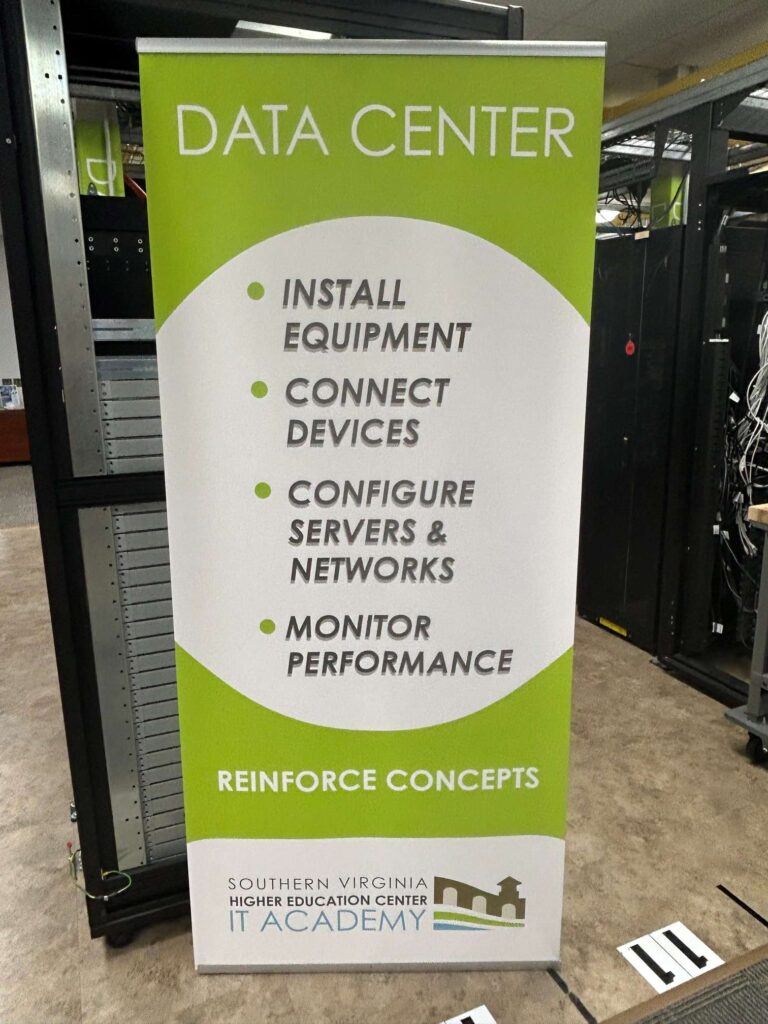
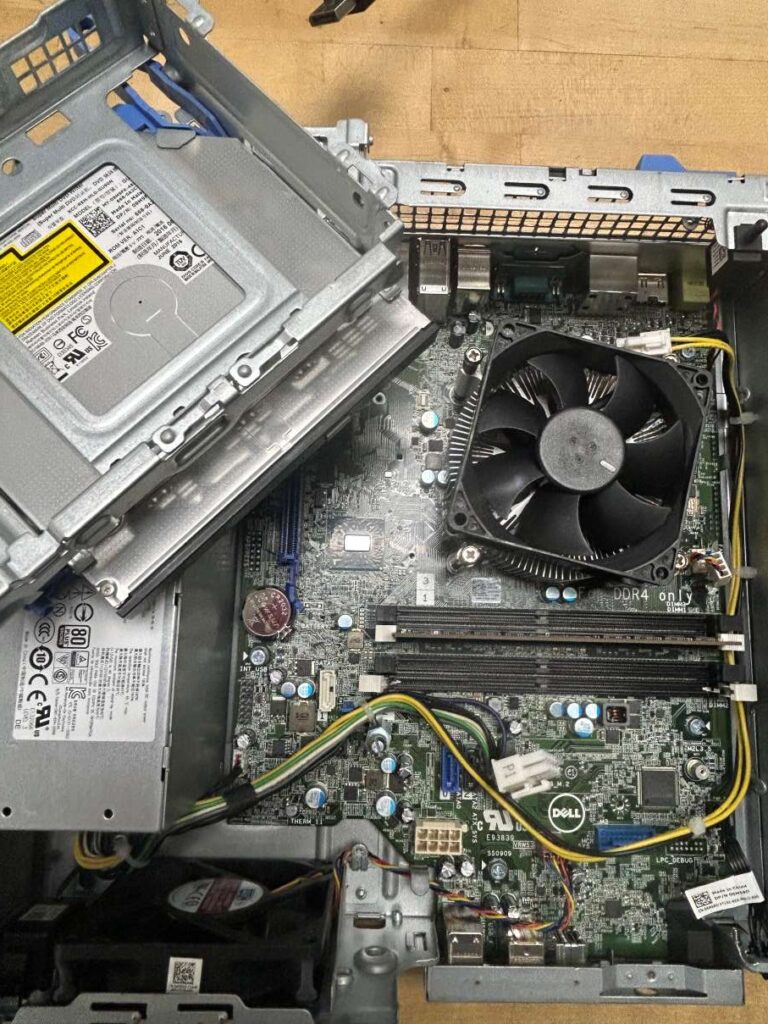
You’ll get hands-on with real equipment throughout the program, including:
- Storage devices
- Printers
- Virtualization
- Networking — IP addressing, cabling, DHCP, DNS, ports & protocols
- Advanced Windows 11 configuration
- Intro to scripting, Windows CLI & PowerShell
- macOS & Linux system configuration
- Workstation security, malware removal & network security
The Certification: Core 1 & Core 2
Core 1 – Exam 220-1201
Focuses on the hardware side of IT: mobile devices, networking basics, hardware components, virtualization, and cloud computing. This is where you learn to identify, install, and connect the physical building blocks of any IT environment.
Core 2 – Exam 220-1202
Focuses on the software side: operating systems (Windows, macOS, Linux), security, troubleshooting, and operational procedures. This is where you learn to configure, secure, and support the systems people actually use every day.
The 220-1200 Exam Series
Earning your CompTIA A+ certification means passing two exams. This course prepares you for both.
Core 1 — Exam 220-1201 Covers the hardware side of IT: mobile devices, networking basics, hardware components, virtualization, and cloud computing. You’ll learn to identify, install, and connect the physical building blocks of any IT environment.
Core 2 — Exam 220-1202 Covers the software side: operating systems (Windows, macOS, Linux), security, troubleshooting, and operational procedures. You’ll learn to configure, secure, and support the systems people use every day.
You need to pass both Core 1 and Core 2 to earn your CompTIA A+ certification — and this course walks you through everything you need for each one.
Where This Can Take You
CompTIA A+ is the industry-standard credential for launching an IT career. Graduates are prepared for roles like IT Support Specialist, Help Desk Technician, and Datacenter Technician — jobs that are in high demand across Southern Virginia and beyond.
FAQ
No. This course is designed for beginners as well as those building on prior coursework like CompTIA Tech+. No. This course is designed for beginners as well as those building on prior coursework like CompTIA Tech+. Basic IT knowledge and skills is needed, which is why most students complete CompTIA Tech+ first.
You’ll have access to a free retake along with additional study sessions and support to help you prepare.
Many students qualify for assistance covering up to two-thirds of the cost, with the remaining balance potentially covered by a scholarship. Eligibility varies and an advisor can walk you through your specific situation.